TL;DR
Finding the right social media content tool can significantly streamline your workflow. While Bupple offers an all-in-one, AI-powered solution for rapid content creation and scheduling, several alternatives excel in specialized areas. This guide compares top tools—VEED, Canva, CapCut, Captions, Later, HootSuite, FeedHive, and Opus Clip—highlighting what they do best so you can choose the ideal platform for your content strategy, whether you prioritize video editing, image creation, or scheduling.
Introduction: Navigating Today’s Social Media Content Landscape
In today’s fast-paced digital environment, maintaining a strong social media presence is essential for businesses of all sizes—but creating consistent, engaging content is time-consuming. Bupple aims to solve this with its AI-driven, rapid content generation and publishing capabilities. Still, it’s important to understand the broader ecosystem and what other tools offer.
This guide breaks down the leading alternatives to Bupple, exploring their features, strengths, limitations, and ideal use cases. By the end, you’ll have a clear sense of which tool—or combination of tools—best supports your content goals.
Bupple: The All-in-One AI Powerhouse
Before comparing alternatives, here’s a quick overview of Bupple’s value proposition. Bupple is built for business owners who need to create and publish a high volume of diverse social media content quickly—often within minutes. The platform unifies the capabilities of several tools, focusing on speed, AI-powered content generation, and seamless multi-format publishing. Its primary goal: eliminate the need to juggle multiple apps.
————————————————
Bupple Alternatives: A Detailed Breakdown
Below are the leading alternatives and how they stack up.
1. VEED
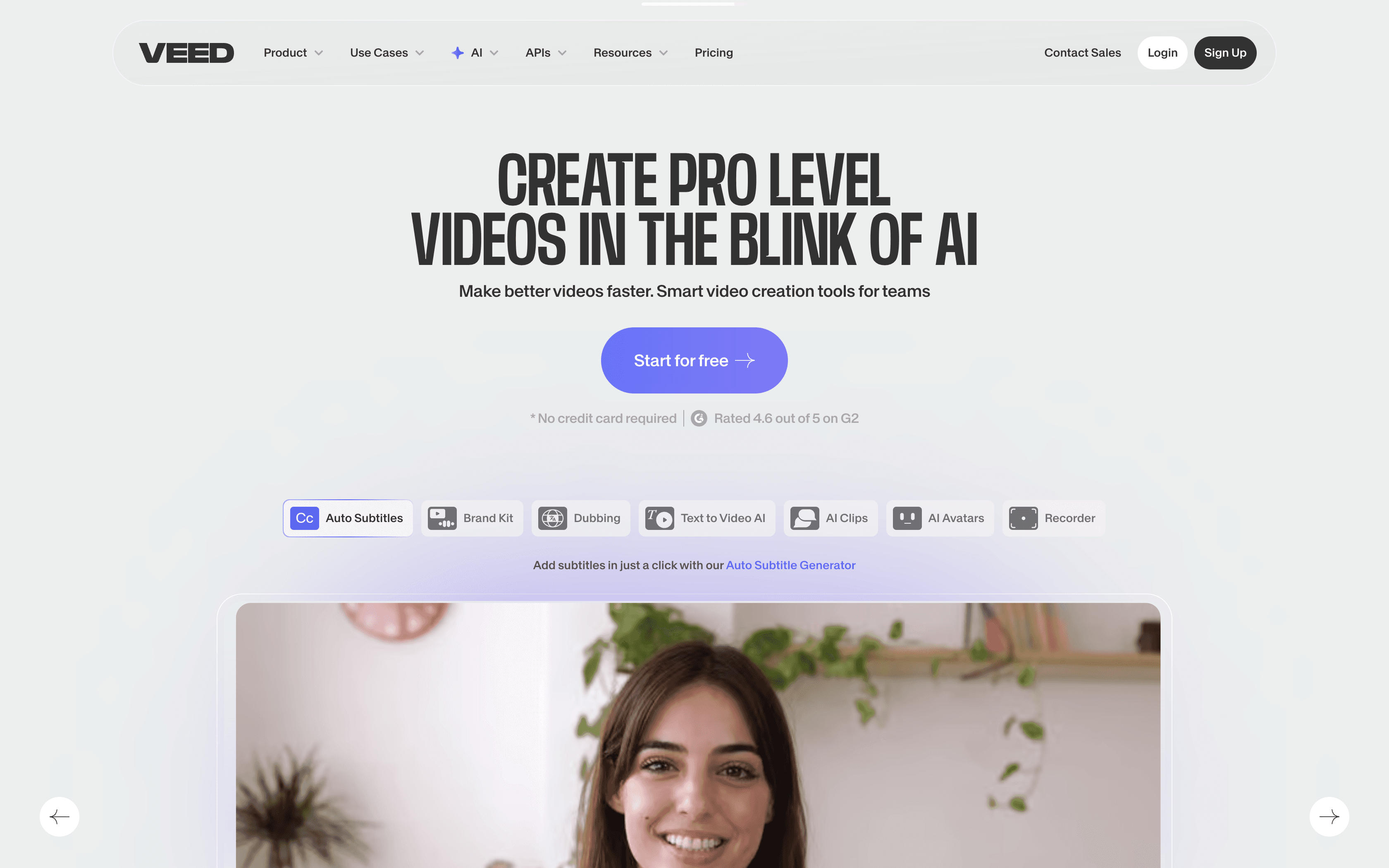
Browser-based video editor focused on simplicity and accessibility.
Pros
Browser-based: Access projects from any device.
Beginner-friendly: Easier to learn than complex editors.
Useful AI tools: Auto-cutting pauses, filler-word removal, and some script-based editing.
Visual generation: Includes basic AI image and avatar creation.
Affordable: Strong value for the price.
Cons
Not for advanced effects: Lacks pro-level transitions and VFX.
Few templates: Not ideal for creating videos from scratch.
No publishing: Requires exporting and posting elsewhere.
Video-focused: Not suitable for images or other content types.
Still time-intensive: Editing requires hands-on involvement.
Best For: Small businesses and creators who want quick, simple video editing without a steep learning curve.
2. Canva
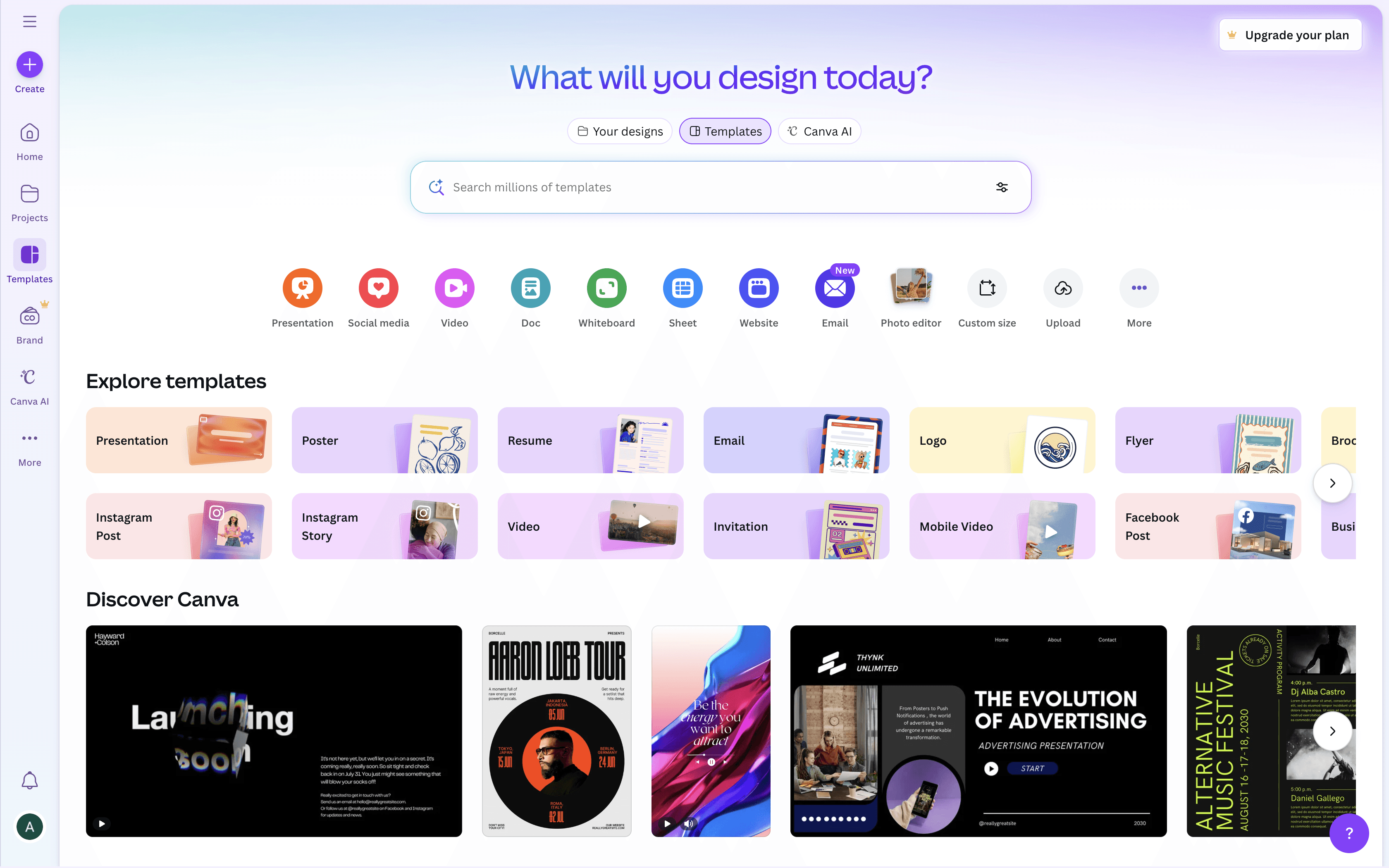
The go-to platform for creating polished, image-based visual content.
Pros
Huge template library: Great for posts, ads, presentations, and more.
Extremely easy to use: Ideal for non-designers.
Direct publishing: Supports publishing to Instagram and others.
Budget-friendly: High-quality design at low cost.
Basic animations: Creates short motion graphics easily.
Cons
Limited video editing: Very basic timeline features.
Basic AI capabilities: Creative AI is still developing.
Scheduling unclear: Direct publishing exists, but not full scheduling.
Image-first: Not suited for complex video creation.
Needs extra tools: For captions or full posting workflows.
Best For: Anyone focused primarily on visual design, branding assets, and templated social media graphics.
3. Captions
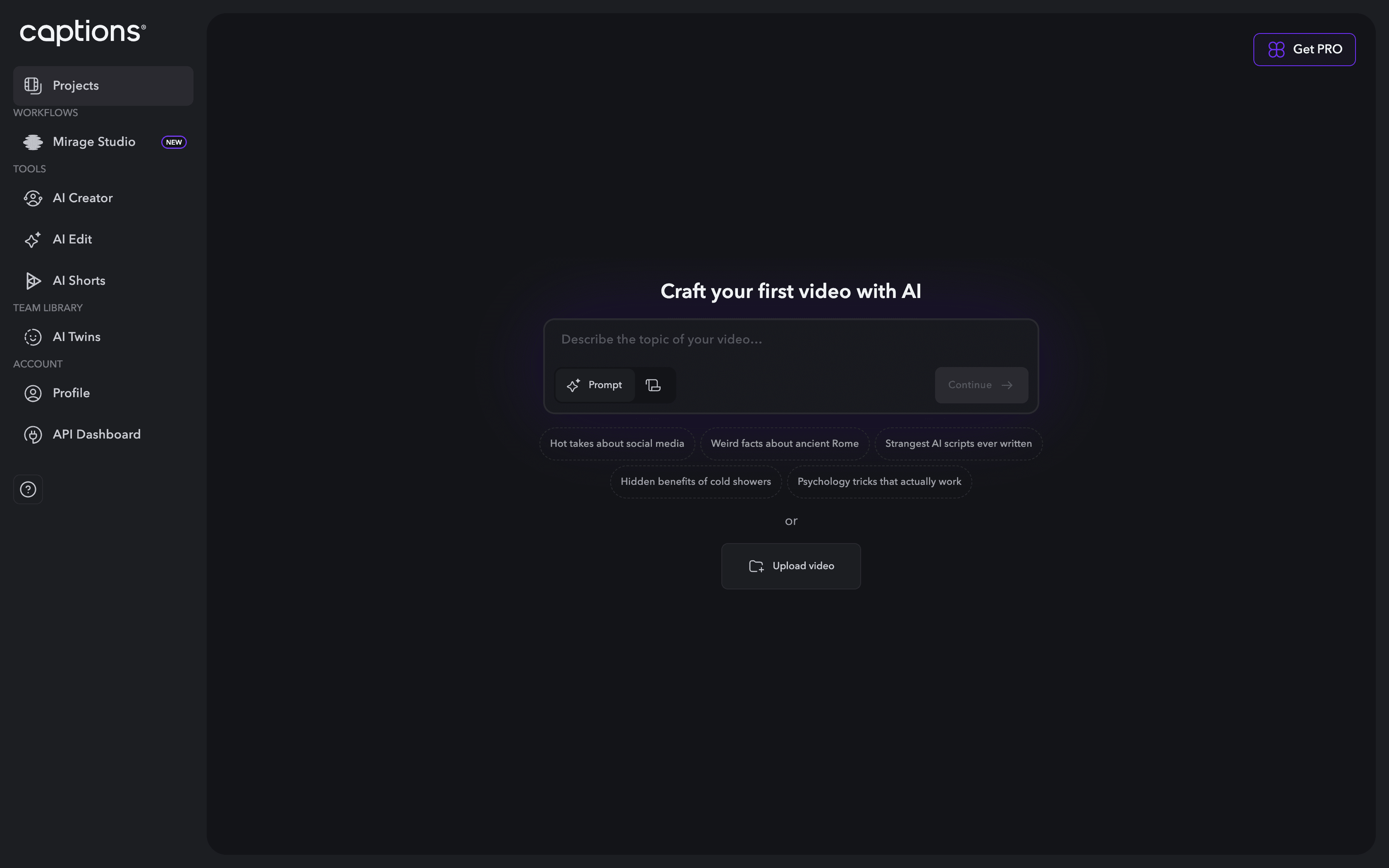
AI-powered editor optimized for short-form, talking-head video content.
Pros
Powerful AI editing: Removes filler words, adds B-roll, music, and cuts long pauses.
Dynamic captions: Creates modern, social-friendly captions.
Simple, intuitive interface: Easy to use with customizable features.
Built for social media: Tailored to short-form punchy content.
Fast turnaround: Ideal for quick video creation.
Cons
Short-form only: Not designed for longer videos.
No publishing: Requires exporting clips.
Narrow use case: Best for talking-head content.
Recording features unclear: May require pre-cut footage.
Best For: Founders and creators who produce regular talking-head videos and want fast, AI-assisted editing.
4. Later

A reliable, budget-friendly scheduling and publishing platform.
Pros
Robust scheduler: Excellent multi-platform publishing tools.
AI caption help: Provides simple AI-powered caption writing.
Useful extras: Includes link-in-bio and other add-ons.
Affordable: Lower cost than many competitors.
Cons
No content creation: Requires external tools for visuals and videos.
Weak image generation: Not suitable for professional use.
Dependent on other platforms: Works only after content is already created.
Best For: Businesses that already create content elsewhere and need an efficient scheduler with a clean workflow.
5. HootSuite

Enterprise-grade social media management and analytics.
Pros
Industry leader: Trusted platform with long-standing reputation.
Deep analytics: Strong insights into content performance.
Robust scheduling: Excellent multi-channel management.
Enterprise-focused: Great for organizations managing multiple teams.
Cons
Expensive: Starts around $100+/month.
No visual creation tools: Strictly a management platform.
Text-focused AI: Minimal visual creativity support.
Not built for rapid content creation.
Best For: Medium-to-large businesses needing enterprise-level control, analytics, and team collaboration tools.
6. FeedHive
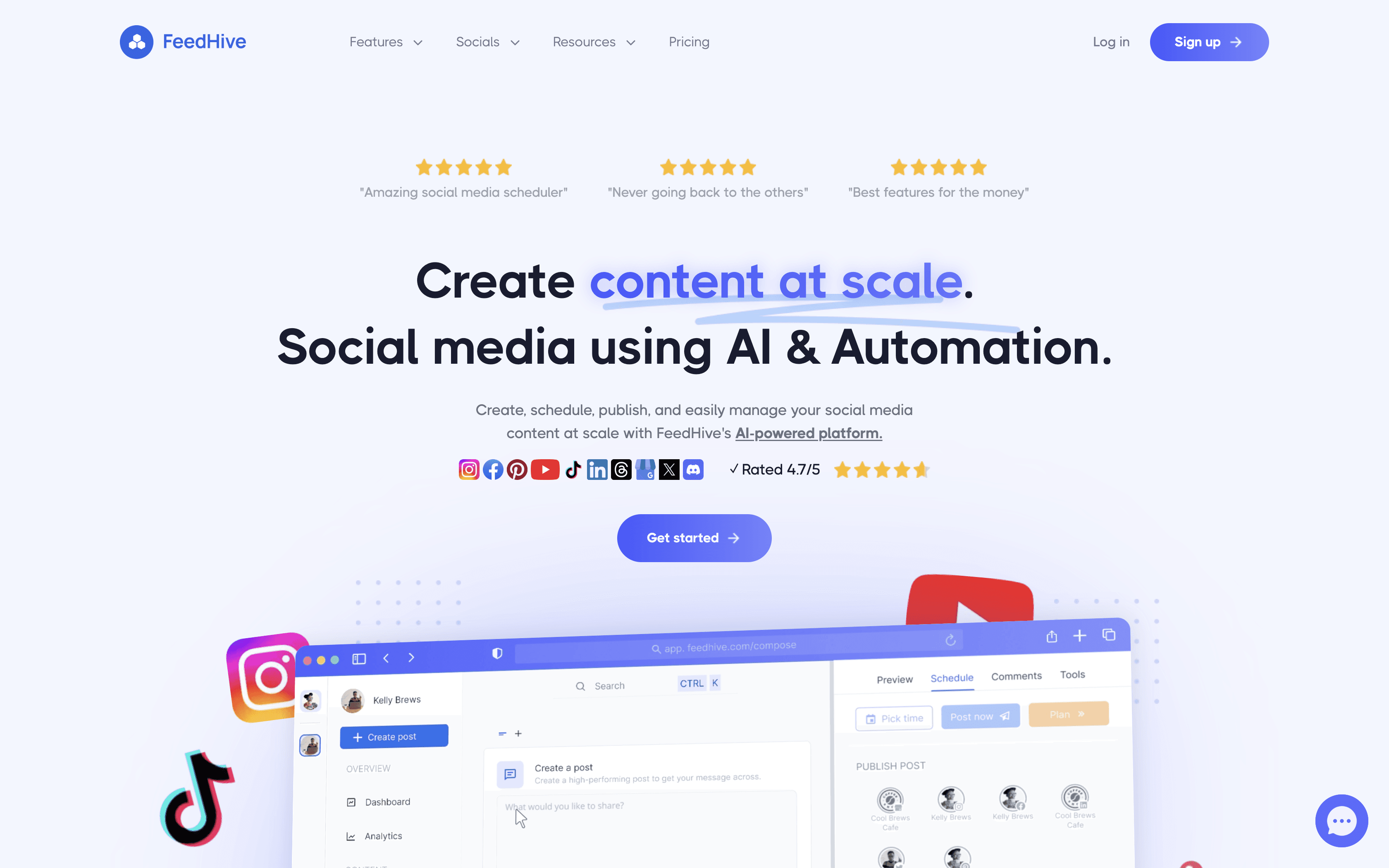
A modern, streamlined platform for scheduling and publishing.
Pros
Modern UX: Smooth, intuitive, and visually appealing.
Simple workflow: Easy to connect channels and publish.
AI text support: Limited but useful for captions.
Strong scheduler: Reliable multi-channel publishing.
Cons
No content creation: All visuals must be made elsewhere.
Minimal creative tools: Focused solely on publishing.
Limited AI: Basic text generation only.
Best For: Businesses that want a clean, modern scheduler without the complexity of enterprise platforms.
7. CapCut
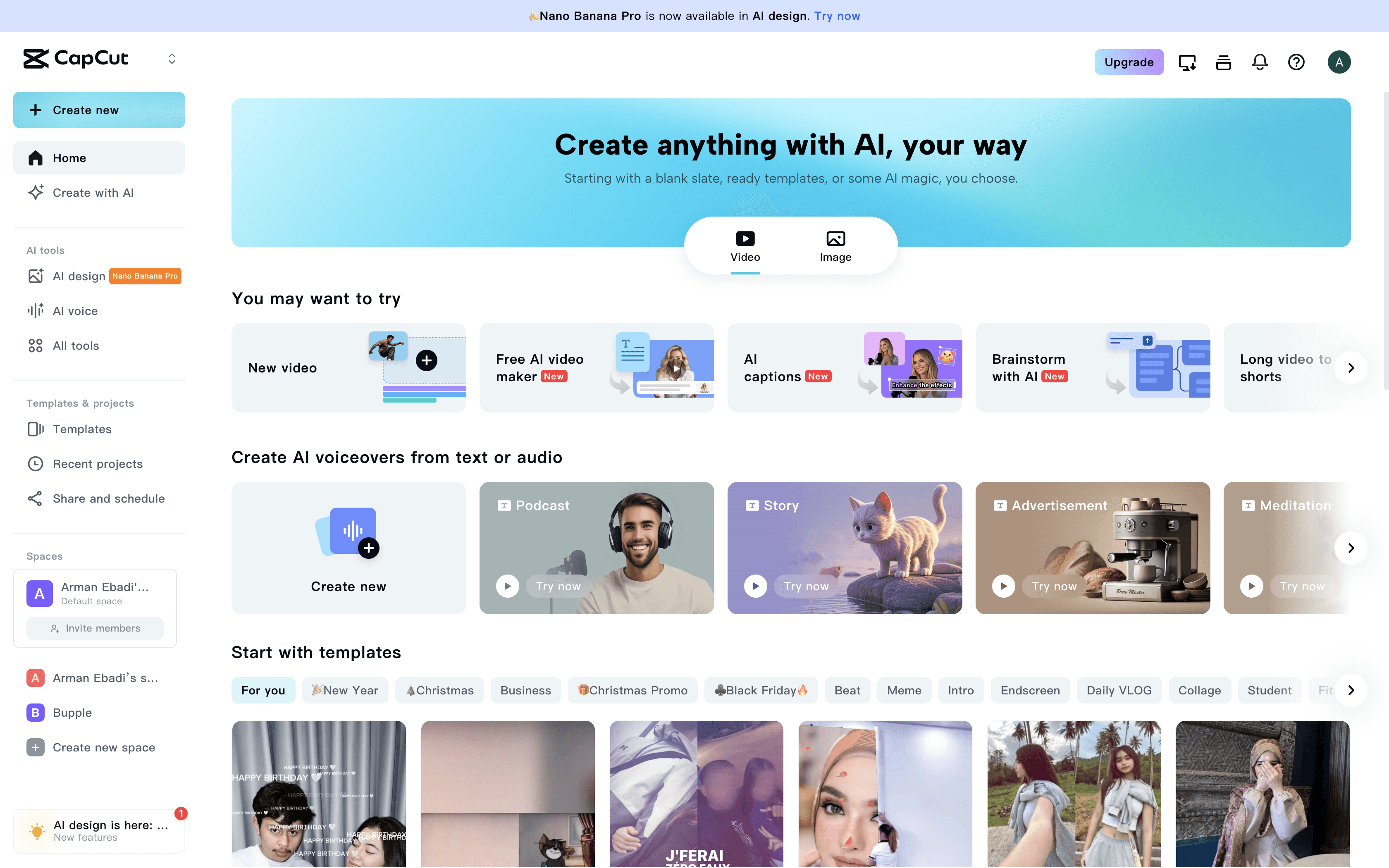
Feature-rich video editor for high-quality social and long-form content.
Pros
Powerful editing tools: Comparable to pro software but easier to use.
AI auto-cut: Removes unnecessary segments.
Script-based editing: Similar to Descript.
High production quality: Great for polished videos.
Low cost: Often free.
Cons
Time-consuming: Not ideal for rapid content creation.
No publishing: Videos must be exported.
Basic captions: Not as dynamic as Captions’ styles.
Video-only: No tools for static images.
Higher learning curve: More complex than simple editors.
Best For: Creators who care about professional-quality video and have the time or resources to edit in depth.
8. Opus Clip
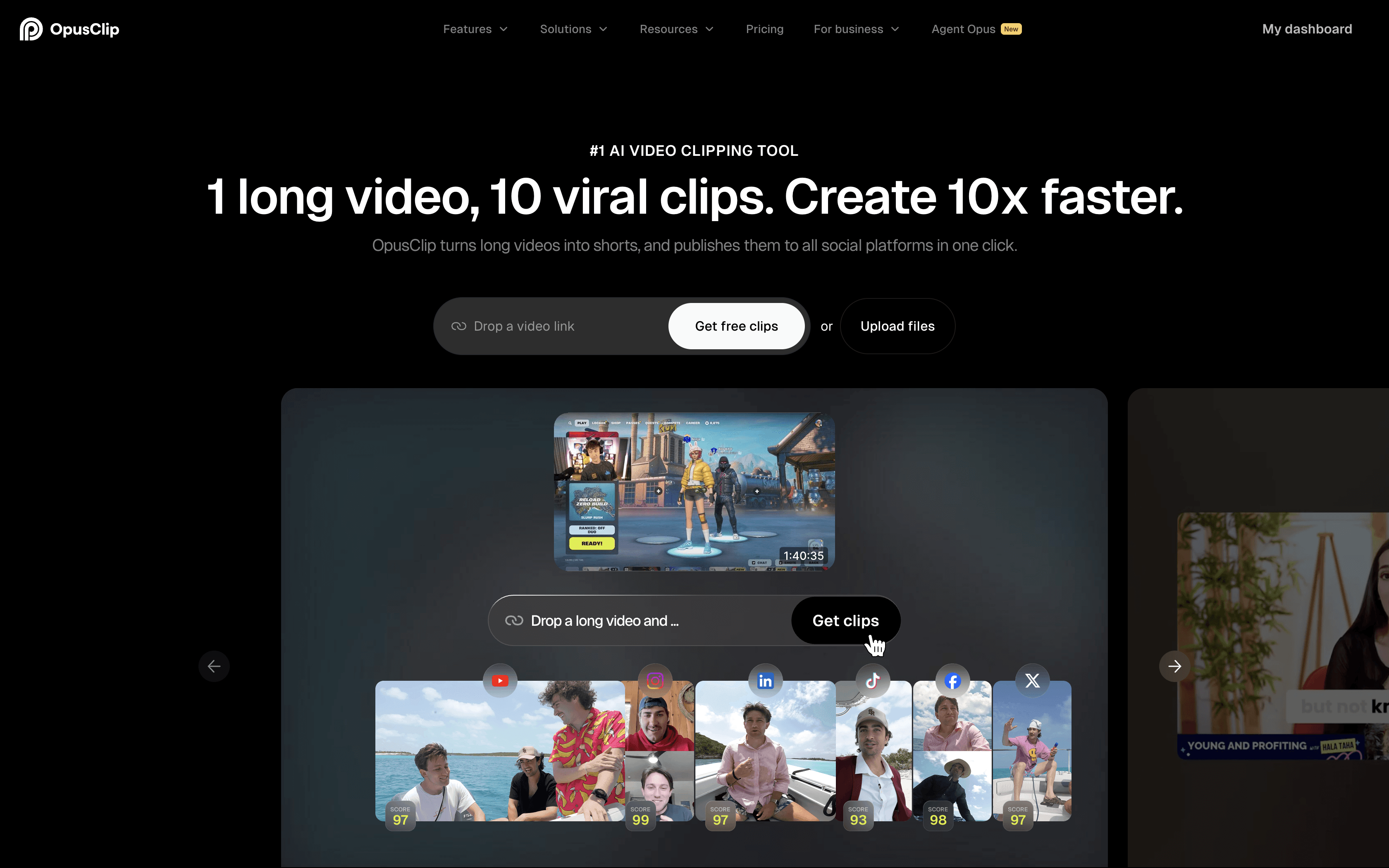
AI-designed for turning long-form videos into multiple short clips.
Pros
Excels with long videos: Great for podcasts, interviews, and webinars.
Smart clip detection: AI identifies the best moments.
Auto-resizing: Converts between horizontal and vertical formats.
Fast results: Produces many clips quickly.
Ideal for talking-head content.
Cons
No publishing tools: Export required.
Video-only: Cannot create images.
Niche use case: Best for repurposing long-form content.
Limited effects/B-roll: Not a full video editing suite.
No analytics.
Best For: Podcasters and creators who want to repurpose long-form content into multiple social-friendly clips.
————————————————
Combining Tools: A Hybrid Strategy That Works
Most small businesses benefit from combining tools rather than relying on just one:
1. Fastest for Talking-Head Content
Captions + Canva + Later/FeedHive
Create 3–4 pieces of content in under an hour.
2. Professional-Level Video & Design
CapCut or VEED + Canva + Later/HootSuite/FeedHive
Prioritizes quality over speed.
3. Long-Form Repurposing
Opus Clip + Later/FeedHive + Canva
Ideal for podcasts, interviews, and webinars.
————————————————
The Bupple Advantage: Speed and Simplicity
What sets Bupple apart is its ability to combine creation, AI generation, and publishing inside one platform. Businesses can produce 10+ pieces of content in under an hour, spanning multiple formats—with no tool juggling required. For time-strapped business owners, the efficiency advantage is significant.
————————————————
Bottom Line
The right social media tool depends on your goals:
Video editing: CapCut, VEED
Design: Canva
Scheduling: Later, HootSuite, FeedHive
AI video enhancement: Captions
Long-form repurposing: Opus Clip
All-in-one speed: Bupple
If you value speed, variety, and a unified workflow, Bupple stands out as the top choice. But if your needs are highly specific—complex video editing, design-heavy branding, or enterprise-level scheduling—one of the specialized alternatives may be a better fit.
Evaluate your strategy, constraints, and content format needs, and choose the tool (or combination of tools) that best supports your business’s social media success.
————————————————
Comparison Table
Feature/Tool | Bupple | VEED | Canva | Captions | Later | HootSuite | FeedHive | CapCut | Opus Clip |
Primary Function | All-in-one AI content creation & scheduling | Browser-based video editing | Graphic design | AI-powered video editor (short-form) | Social media scheduling & management | Social media management & analytics | Social media scheduling & management | Professional video editing | AI-powered long-form video repurposing |
Content Type Focus | Diverse (video, image, text) | Video | Images, graphics, basic video | Short-form, talking-head videos | Scheduling of all content types | Scheduling of all content types | Scheduling of all content types | Video | Short-form clips from long-form video |
AI Features | High-volume, AI-driven generation | Auto-cutting, filler word removal, image/avatar gen | Basic AI creative generation | Excellent AI editing (cuts, B-roll, captions) | AI caption writing | Text-based AI focus | Limited AI text generation | AI auto-cut, transcription-based editing | Intelligent clip selection, dimension conversion |
Publishing/Scheduling | Seamless, built-in publishing & scheduling | No built-in publishing/scheduling | Direct publishing (Instagram), uncertain scheduling | No publishing/scheduling | Robust scheduling | Robust scheduling | Strong scheduling | No built-in publishing/scheduling | No publishing/scheduling |
Ease of Use | Simple, rapid workflow | User-friendly | Very easy | User-friendly | Easy to use | Comprehensive, but can be complex for new users | Modern, intuitive UX | User-friendly for its features, steeper than simple tools | Relatively easy for its function |
Target User | Business owners needing rapid, diverse content | Small businesses, individuals needing basic video | Individuals, businesses needing visual content | Founders, entrepreneurs, small businesses (talking-head videos) | Small businesses, individuals with pre-created content | Medium to large businesses, enterprises | Businesses needing modern scheduling | Individuals/businesses with time for quality video | Podcasters, creators with long-form talking videos |
Pros | All-in-one, speed, AI-driven, diverse content, minimal time investment | Browser-based, user-friendly, AI features, good pricing | Extensive templates, user-friendly, direct publishing, cost-effective, basic animations | Excellent AI editing, cool captions, made for social media, fast creation | Robust scheduling, AI caption writing, side features, affordable | Market leader, comprehensive analytics, robust scheduling, enterprise-focused | Modern UX, easy workflow, limited AI text gen, strong scheduling | Professional editing, AI auto-cut, transcription editing, high quality, cost-effective | Long-form video support, intelligent clip selection, dimension conversion, fast for specific content |
Cons | - | Limited professional effects, no templates from scratch, no publishing/scheduling, primarily video, requires time | Limited video editing, basic AI creative gen, uncertain scheduling, primarily image, requires other tools for captions/scheduling | Limited for long-form, no publishing/scheduling, specific use case, unclear recording capabilities | No content creation, basic image gen, requires external tools for content | High pricing, limited content creation, text-based AI focus, not for fast creation | No content creation, requires external tools, focused on publishing management | Time-consuming, no publishing/scheduling, limited caption styles, no image support, steeper learning curve | No publishing/scheduling, no image creation, specific use case, limited B-roll/effects, no analytics |